
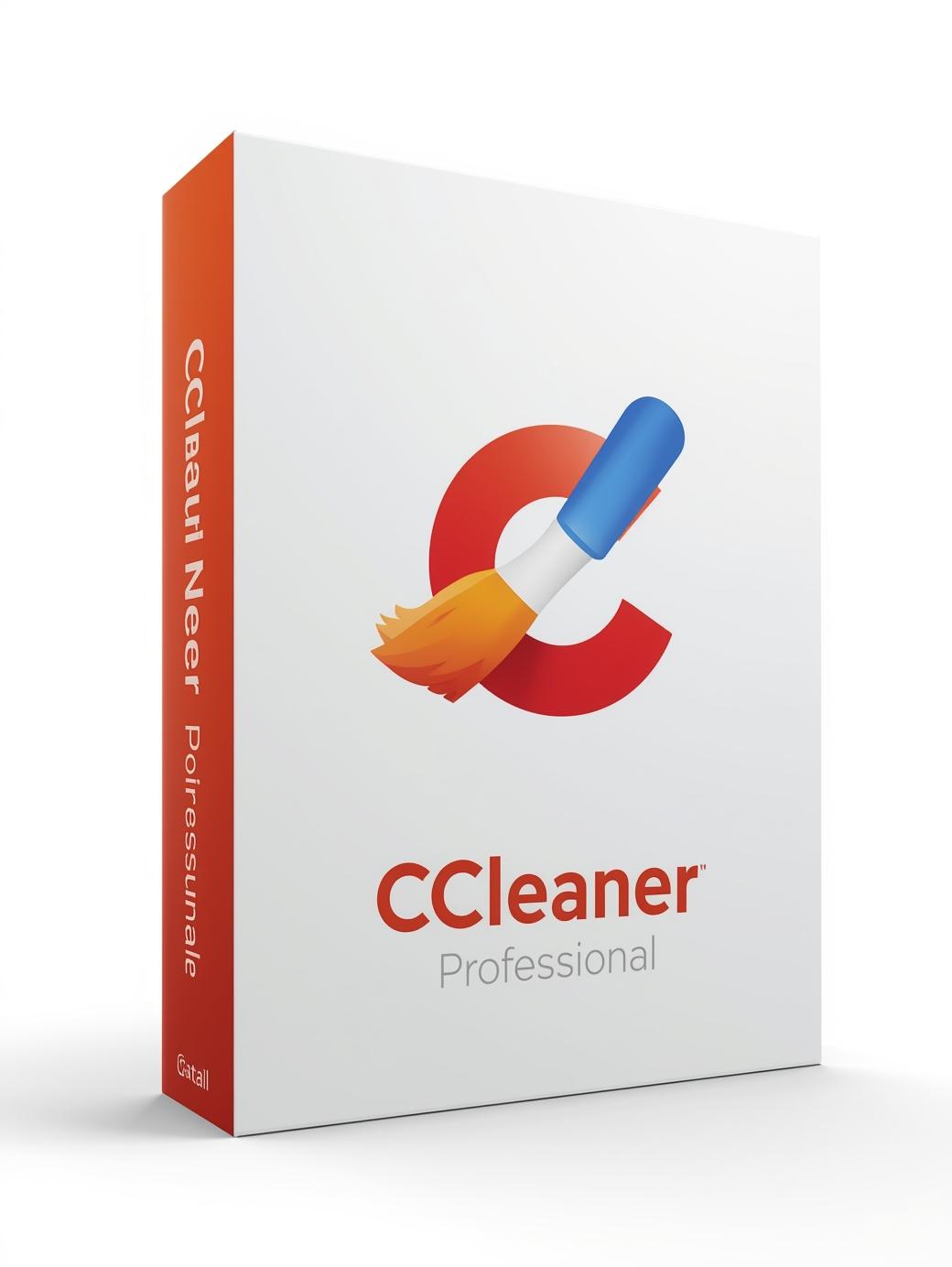
CCleaner Professional Bundle Plus 2021 Key (1 Year / 3 PCs)
$22.99 Free digital delivery via email
In stock
- 30-day guarantee
- Secure Payments
Description
CCleaner Professional Plus Features:
- Standard privacy protection
- Standard cleaning
- Performance Optimizer
- Driver Updater
- Updates software to close security holes
- Automatically keeps your browsing history private
- Automatically detects and removes internet trackers
- Automatically keeps you from running out of space
- Priority customer support
- Recuva Logo Recuva Pro – Get back deleted files
- Speccy Logo Speccy Pro – Inspect & monitor system info
Award-winning PC Optimization
Trusted by millions and critically acclaimed, there’s a reason why CCleaner is the world’s favorite PC optimization tool! Easy to use, one click cleaning so beginners can optimize their computers in seconds. Plus, it’s packed with advanced features for power users.
Speedometer
Faster Computer
Is your computer running slow? As it gets older it collects unused files and settings which take up hard drive space making it slower and slower. CCleaner cleans up these files and makes it faster instantly.
Shield
Safer Browsing
Advertisers and websites track your behavior online with cookies that stay on your computer. CCleaner erases your browser search history and cookies so any internet browsing you do stays confidential and your identity remains anonymous.
Error graph
Fewer Errors & Crashes
Over time your registry can become cluttered with errors and broken settings which lead to crashes. CCleaner’s patented registry cleaner clears out this clutter to make your PC more stable.
Dial
Quicker Startup
Many programs run silently in the background when you start up your computer. CCleaner helps you get to work, or play faster by letting you disable unneeded programs.
Key activation
- Go to ccleaner.com via your web browser.
- Download the free version of CCleaner.
- Once installed, open the app, go to Options – About.
- Click on Upgrade to Pro.
- When prompted, enter the provided activation code and click Register.
- When prompted, please leave the Name field blank.
- Open the remaining apps and repeat steps 3 – 6.
- Please note, this product can be installed on up to 3 Windows
Additional information
| Platform | Other |
|---|---|
| Region | Region free |
| Windows minimum requirements | Windows</br>CCleaner will run on any PC running Microsoft Windows XP, Mac 10.6 or later. If you're running one of the following operating systems, you're fine to run CCleaner:</br>Windows 10 (all editions, including 64-bit)</br>Windows 8 (all editions, including 64-bit)</br>Windows 7 (all editions, including 64-bit)</br>Windows Vista (all editions, including 64-bit)</br>Windows XP (all editions, including 64-bit)</br>Windows 2003, 2008 and 2012 Server (all editions)</br>Mac 10.6 to 10.11 64-bit editions</br>Since CCleaner is a small, quick program there are no minimum memory or hard drive requirements.</br>Note 1: For Windows NT4, ME and 98, we recommend CCleaner Version 2. For 2000 we recommend Version 3.</br>Note 2: CCleaner does not currently support Linux.</br> |



Reviews
There are no reviews yet.