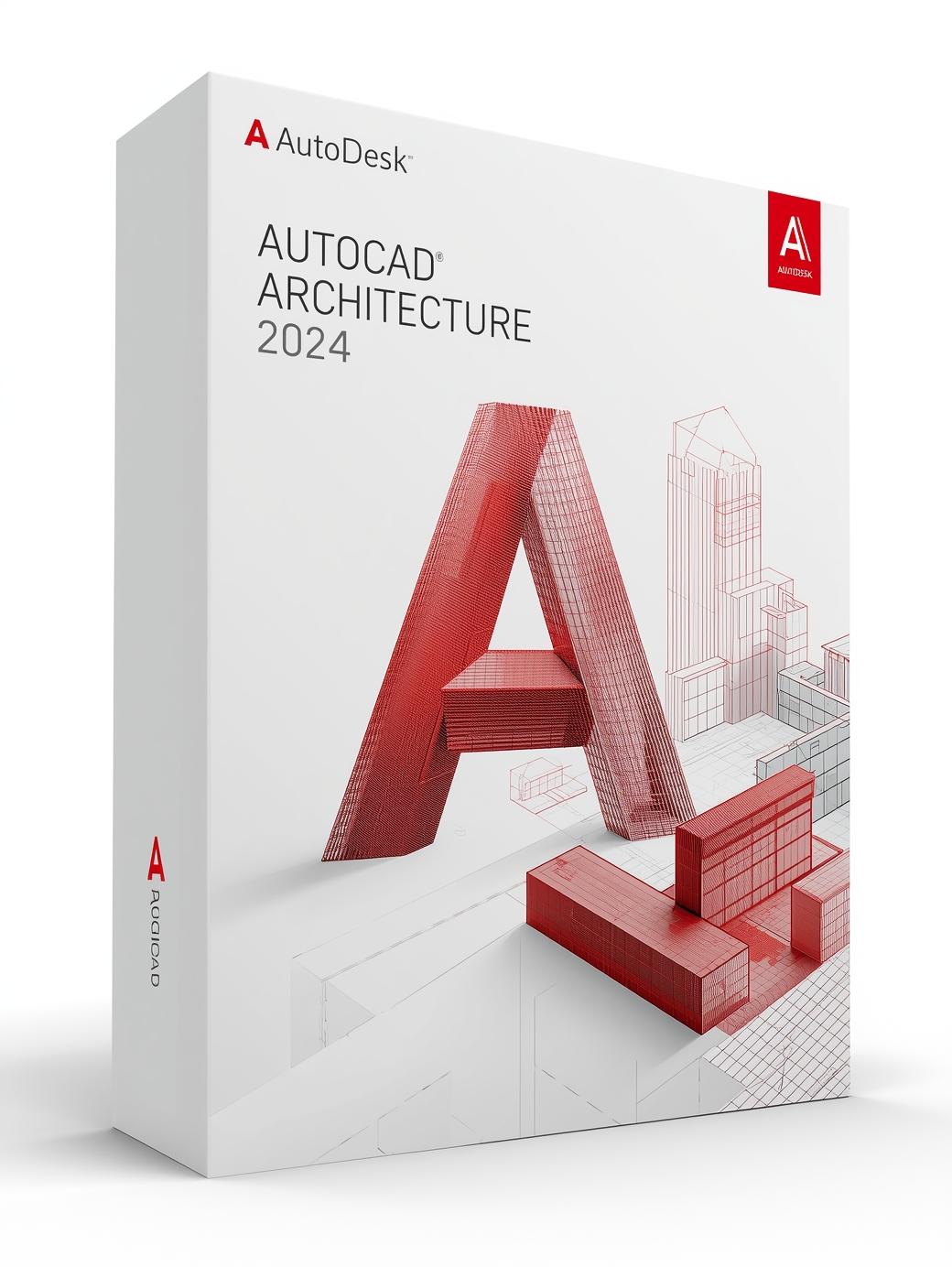
Autodesk AutoCAD Architecture 2024 Educational (PC) (1 Device, 1 Year) – Autodesk Key – GLOBAL
$12.88 Free digital delivery via email
In stock
- 30-day guarantee
- Secure Payments
Description
Additional information
| Platform | Autodesk |
|---|---|
| Region | GLOBAL |

⚡ Free instant email delivery 💰 No hidden fees – all taxes included 🛡️ 100% genuine licenses
$12.88 Free digital delivery via email
In stock
Boost architectural design and drafting productivity by up to up to 61%* with time-saving features and task automation:
Make use of over 8,800 intelligent architectural components, including multi-level blocks, to support various layer standards. Should one of the pre-existing layer standards not meet the needs of your project, you can create your own by customizing an existing one. Learn more
Save time and increase productivity by automatically generating commonly used architectural objects such as floor plans, elevations, sections, and ceiling grids. Learn more
Use elements with real-world behavior and construction, allowing for quicker placement in the documents and drawings that you create. Learn more
Check out and check in files to maintain versioning, prevent unauthorized modifications, and ensure drawing integrity. Easily revert to an earlier version of your drawing with comments history, and view the drawing name appended with check-in time. Learn more
The toolset creates multiple layers according to the current standard, using predefined layer standards and matching layer key styles. This lets you automatically generate layers as needed when you add objects to a drawing. Learn more
With the Display System, you only have to draw an architectural object once. The appearance of that object will change automatically to meet the display requirements of different types of drawings, view directions, and levels of detail. Learn more
Enhance your design options. Organize reports with spaces, and use zones to structure spaces into various groups, according to different schemes. Learn more
Use the Detail Component Manager dialog box to seamlessly navigate between different detail component databases. A hierarchical tree view and a filter feature make it easy to locate individual components within a database. Learn more
Display existing, demolished, and new construction in a single drawing. This lets you design and produce renovations more quickly, while avoiding errors typically caused by editing multiple drawings. Learn more
| Platform | Autodesk |
|---|---|
| Region | GLOBAL |



Reviews
There are no reviews yet.