
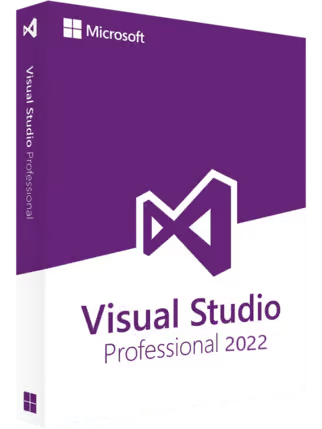
Microsoft Visual Studio 2022 Professional (PC) – Microsoft Key – GLOBAL
$34.98 Free digital delivery via email
In stock
- 30-day guarantee
- Secure Payments
Additional information
| Age Rating | 3 |
|---|---|
| Platform | Microsoft |
| Region | GLOBAL |
Activation Guide
Microsoft Visual Studio – Activation Guide
Visual Studio Installer Download
Notice! To activate Visual Studio, you need to have the correct version installed on your PC.
IN ORDER TO INSTALL Download the installer in zip file format and copy it to any folder on your computer. You can download it from Microsoft official website:
Step-by-Step Activation Process
- Confirm Visual Studio Installation Make sure that the correct version of Microsoft Visual Studio (2017, 2019, or 2022) is installed on your computer.
- Launch Microsoft Visual Studio Open Visual Studio from your Start menu, desktop, or applications folder.
- Access the Sign-In Prompt Upon launching, Visual Studio typically prompts you to sign in. You can also access the sign-in option by going to ‘Help’ > ‘Register Product’.
- Sign In with Your Microsoft Account Sign in using your Microsoft account. This should be the account associated with your Visual Studio subscription or linked to your product key.
- Enter Your Product Key (If Applicable) If you have a standalone product key for Visual Studio: Go to ‘Help’ > ‘Register Product’ > ‘Unlock with a Product Key’. Enter your product key and follow the prompts to complete activation.
- Complete the Activation Process After signing in or entering your product key, Visual Studio will verify your credentials and activate the product.
- Verify Activation Status To check if Visual Studio is activated, go to ‘Help’ > ‘About Microsoft Visual Studio’. The dialog box should display your license status.
Reviews
There are no reviews yet.