
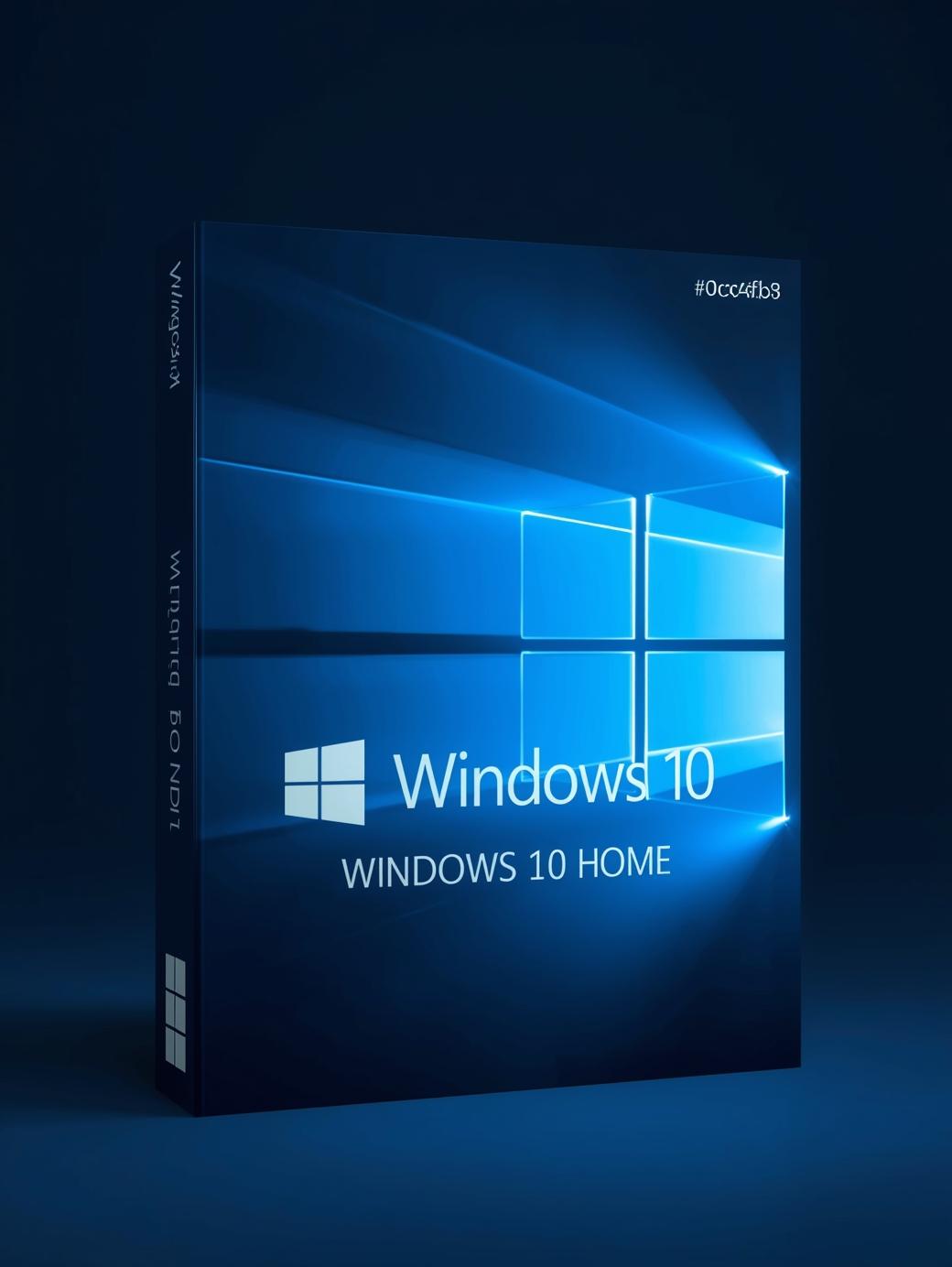
Microsoft Windows 10 OEM Home Microsoft PC Key GLOBAL
$14.20 Free digital delivery via email
In stock
- 30-day guarantee
- Secure Payments
Description
Windows 10 is a continuation of the Windows family line – it is one of the most popular and also one of the most successful operating systems among all the ones created with personal computers in mind. It was developed and released by Microsoft in July 2015 as the successor to the older and not that much appreciated Windows 8.1.
Home version of Windows 10 is the most basic one, and it is aimed at less-demanding consumers who expect a simple, modern, responsive, and safe operating system to work with. It comes packed with various features responsible for increasing one’s productivity and for turning the process of working with a computer into a more enjoyable experience.
Windows Defender Antivirus and Firewall
There is no room for compromises when it comes to security. Thanks to the built-in safety measures you will be protected against most types of digital threats at all times. Dangers like viruses, malware, adware, trojan horses, and many more you can encounter anytime during everyday use of your PC – Windows Defender Antivirus easily takes care of all of these. Additionally, Microsoft Windows 10 comes with a firewall, which can automatically block potentially unwanted connections – this is a perfect line of defense against hackers scanning the Internet for opened ports on devices connected to the Internet.
Microsoft Edge
It’s finally time for a change. Internet Explorer couldn’t keep up with current standards and with how fast the Internet technologies transform, thus it had to leave and make room for a completely new browser – Edge. Edge is better suited for the modern world and is on par with other popular browsers, which wasn’t always the case with Internet Explorer. Edge boasts competitive speed, feed of personalized content, and also enjoys built-in Cortana assistance.
Parental Controls
As a parent, you probably know how hard it can be to keep an eye on what your child does on the Internet, or even generally on the computer. Windows 10 comes with dedicated parental controls you can use to limit access to the content inappropriate for the younger audience, such as extensive violence or gambling websites. You can also set a fixed amount of time your child will be allowed to spend on the computer each day.
Frequent Updates
Microsoft works hard to remain on top when it comes to operating systems developed for personal computers. In order to keep the leader’s position and to build trust with customers, the company frequently releases updates for Windows 10, aiming to fix any issues that may have been overlooked during the testing phase. Updates may also add new features to the already well-designed system, further extending its functionality. Additionally, updates often bring better security. The best part is the fact, that all of this happens automatically in the background, as long as the computer is connected to the Internet – no need to be a specialist to enjoy the latest features and changes.
Reception
Windows 10 seemingly fixed most of its predecessor’s bugs and issues, resulting in becoming a much safer and smoother operating system to work with. Critics praised improvements done in Start menu, which was considered a major disappointment in Windows 8.1. Reviewers also positively noted the all-new browser, Edge, which replaced the good old Internet Explorer. System’s better performance was also mentioned and given a big yes by the community.
Additional information
| Age Rating | 3 |
|---|---|
| Platform | Other |
| Region | GLOBAL |
| Windows minimum requirements | <strong>Minimum:</strong><ul class='bb_ul'> |
Activation Guide
Microsoft Windows 10 – Key Activation Guide
Table of Contents
- Microsoft Windows 10 Download Guide
- Windows 10 Activation Guide
- Windows 10 Phone Activation
Microsoft Windows 10 ISO File Download Guide
- To download Microsoft Windows 10 ISO file use tool available under this page: DOWNLOAD WIN10 ISO
- After clicking the button above you will be redirected to a product download page.
You can download Windows 10 installer there by clicking the download button marked on the picture below:
Windows 10 – Code Activaiton Guide
To activate Microsoft Windows 10 code, follow the guide below:
- If you are performing a fresh installation of Windows 10, you will be prompted to enter your code during installation

- Or, after installation, to enter the product key, select the Start button, and then select Settings > Update & Security > Activation > Update product key > Change product key.

To activate Windows 10 by phone, follow the guide below:
To activate any of the versions of Microsoft Windows by telephone, please follow the instruction below and use:
- Press the Win+R keys to open Run, then type: SLUI 4, then click on OK.
(Note that there is a space between SLUI and 4.)
- Select your country or region, then click Next.

- Call the provided phone number to reach the Microsoft Product Activation Center. You will first be walked through an automated menu where you must answer a few questions about what product you are trying to activate (Windows 10), whether you have previously activated it (No), and whether you have a product key (Yes).
- The automated system will now describe the Internet Activation process to you. You already know this information, but simply wait for it to complete.
At the end, the system will ask you if you still need assistance.
Tell it “Yes”, and then you will be taken to a human operator.
- The human operator will ask confirmation of what product you are trying to activate (Windows 10), and then they will ask you if you have an Installation ID (Yes – it’s on the same screen as the phone number you called).
- The human operator will then ask you to read them that number. I’ve found you can read it to them relatively quickly and they keep up just fine; and if you speak clearly, you usually only have to read it once.
- The human operator will then turn you back over to the automated telephone system, which after a few brief instructions will read your Confirmation ID to you.
Once the human operator hands the call back to the automated system, click “Enter Confirmation ID” and type in the numbers when they are read to you.
- Once you have entered the Confirmation ID, you can click Activate Windows and if your product key is valid and the numbers have been typed in correctly, you should be all set.

Microsoft Windows – Most Common Windows Errors
- Error code: 0xC004C008 – If you get error code 0xC004C008 please use Phone Activation as described above.

- Error code: 0xC004F050 – If you get an error code 0xC004F050 please check your current system installed. If it is different than the product key you bought, you will need to perform a new installation to the correct Windows system corresponding to the key you purchased.

If you encounter any issues during activation, please follow these steps:
- Open Start menu, type SLUI 04 and press enter.
- Select your country, and call the toll-free number.
- Follow the instructions provided by the automated activation system to receive a confirmation ID and activate your OS
Reviews
There are no reviews yet.